
Do Dots Matter in Gmail Addresses? Safe Signup Handling
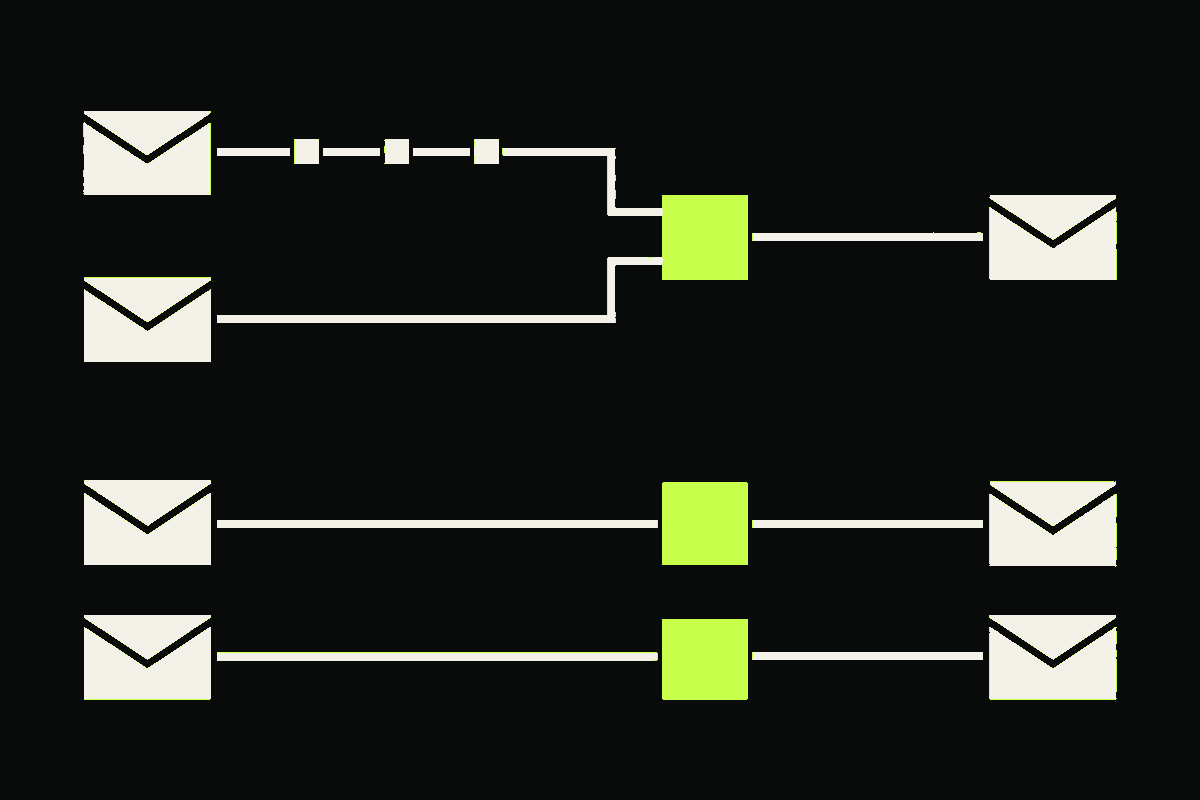
Dots do not distinguish personal @gmail.com addresses. Google says messages sent to john.smith@gmail.com and johnsmith@gmail.com reach the same inbox. That rule does not extend to Google Workspace addresses on custom domains.
For signup systems, I would keep the submitted address for delivery and build a separate, Gmail-only comparison key for duplicate detection. Do not strip dots from every local part, silently replace what the person typed, or merge accounts just because two values produce the same key.
One inbox does not mean one database value
Google's Gmail help page on dotted addresses draws a precise boundary:
- For a personal
@gmail.comaddress, adding or removing dots does not change the inbox. - No one else can register a dotted spelling of an existing personal Gmail username.
- For work, school, or other Google Workspace accounts on a custom domain, dots can change the address.
The tempting implementation is email.replaceAll('.', ''). It is also wrong. That removes periods from the domain, changes addresses at providers where dots are significant, and mixes a mailbox-provider rule with your account-identity policy.
SMTP itself delegates local-part meaning to the receiving host. RFC 5321 says the host named by the domain assigns those semantics. Gmail can therefore define dots this way for gmail.com; your application cannot generalize the rule to every domain.
Use two values and one explicit boundary
The safest model keeps delivery and comparison separate.
| Value | Example | Use |
|---|---|---|
delivery_email |
john.smith@gmail.com |
Confirmation, verification, and mail |
account_key |
johnsmith@gmail.com |
Collision lookup inside your identity flow |
delivery_email preserves the local part the person submitted. account_key removes dots only when the normalized domain is exactly gmail.com. It is never a mail destination and never proof that two signup attempts came from the same person.
This Node.js helper implements that narrow policy. It assumes a proper email parser has already accepted the address.
export function prepareGmailDotKey(input) {
  const submitted = input.trim();
  const separator = submitted.lastIndexOf('@');

  if (separator <= 0 || separator === submitted.length - 1) {
    throw new Error('Malformed email address');
  }

  const local = submitted.slice(0, separator);
  const domain = submitted.slice(separator + 1).toLowerCase();
  const deliveryEmail = `${local}@${domain}`;

  const accountKey = domain === 'gmail.com'
    ? `${local.replaceAll('.', '')}@gmail.com`
    : deliveryEmail;

  return { submitted, deliveryEmail, accountKey };
}
I ran six fixtures against this function. The dotted and undotted personal Gmail examples produce the same account key while retaining different delivery values. The equivalent custom-domain examples remain separate. A plus tag remains untouched, uppercase domain spelling normalizes safely, outer whitespace is removed, and malformed input fails closed.
prepareGmailDotKey('john.smith@gmail.com')
// deliveryEmail: 'john.smith@gmail.com'
// accountKey:    'johnsmith@gmail.com'

prepareGmailDotKey('john.smith@example.com')
// deliveryEmail: 'john.smith@example.com'
// accountKey:    'john.smith@example.com'
The plus-tag fixture is deliberately boring. Gmail supports other alias behavior, but dot handling should not quietly become a bag of unrelated rewrites. The separate plus-addressing guide explains when a provider-scoped plus policy is appropriate.
What should a signup do when the key already exists?
Treat the match as an account collision, not an automatic merge.
- Return the same generic response you use for an existing account. Do not reveal whether that Gmail inbox is registered.
- Do not create a second confirmed account under a dotted variant if your policy treats personal Gmail dot variants as one login identity.
- Send recovery or sign-in instructions to the stored delivery address only through your normal, rate-limited flow.
- Require reauthentication and confirmation before changing, linking, or merging an address.
- Use the same comparison function in registration, login, password reset, email change, and account linking.
That last step matters. If registration removes Gmail dots but password reset does not, one user can have a blocked signup and an unreachable recovery path. If account linking uses a different rule, a collision can become an account-takeover bug.
The OWASP email validation and verification guidance recommends one documented normalization policy across these identity flows, storing the original and canonical forms, and avoiding provider-specific transformations unless the behavior is fully controlled.
Why not store only the dot-free Gmail address?
Because the person did not type it.
Keeping the submitted local part makes confirmation screens, audit events, support conversations, and address changes easier to understand. It also gives you a reversible migration path if the comparison policy changes. A silent rewrite throws that evidence away.
The strongest fair objection is that both Gmail spellings really do reach one inbox, so preserving them looks fussy. For delivery, either spelling may work. For product identity, however, you still need to know what was submitted, what was confirmed, and why a collision decision happened. One string cannot carry all three facts cleanly.
This is also why I would not make account_key the address sent to an email-verification API. Verify the submitted delivery value. Keep the Gmail comparison rule in your identity layer.
Do Google Workspace addresses get the same treatment?
No. A custom domain hosted by Google is not gmail.com.
Google explicitly says dots can change addresses for work, school, or other organizations. You may know that one particular Workspace tenant configured aliases, but that is tenant-owned information. A generic signup form cannot infer it from MX records or from the fact that Google handles the domain's mail.
These hypothetical addresses must remain separate unless you own the domain and its mailbox policy:
sales.team@company.example
salesteam@company.example
Do not use MX provider detection to turn a gmail.com rule into a Google-hosted-domain rule. The email case-sensitivity guide covers the broader rule: normalize the domain, preserve the local part, and make any provider-specific comparison explicit.
What does email verification prove here?
Email verification can evaluate the submitted address and return a confirmed failure, risk signal, or inconclusive result. It cannot tell you whether two requests came from the same person, whether the inbox owner intended to create an account, or whether you should merge identities.
That distinction matters for trial abuse. A Gmail dot key can close one easy duplicate path, but a person can still use another mailbox, device, payment method, or network. The free-trial abuse guide puts email evidence inside a broader, privacy-conscious decision model.
For the implementation order, add the separate key first, backfill it without merging anything, inspect collisions, and then enforce one policy across every identity endpoint. Preserve the delivery address throughout. Gmail's dot rule is useful, but only inside the exact boundary Google documents.