
Why Emails Go to Spam Even When SPF, DKIM, and DMARC Pass
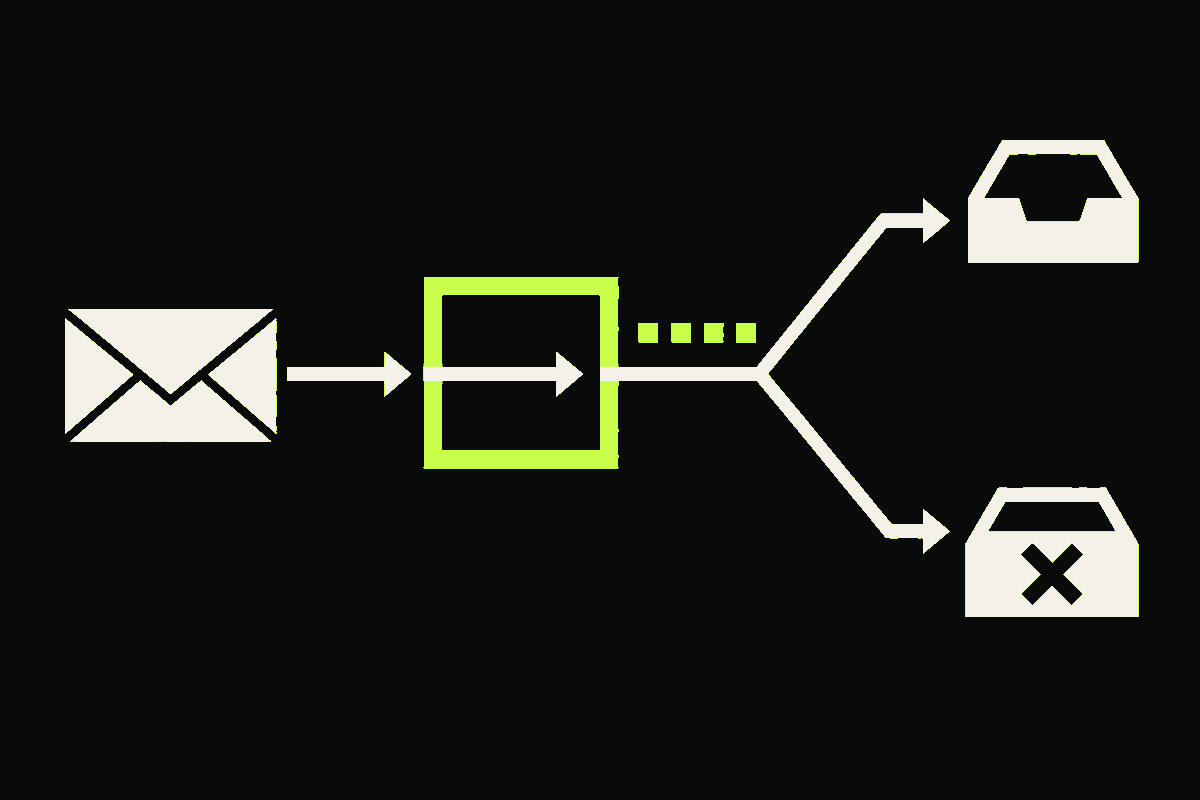
Emails can go to spam even when SPF, DKIM, and DMARC pass because authentication proves authorized use of a sending domain. It does not promise inbox placement.
That leaves three results that can all be true at once:
smtp=accepted · dmarc=pass · placement=spam
I see these collapsed into one vague “deliverability” problem far too often. The fix is to keep them separate and investigate the first layer where the evidence actually changes.
First, was the message accepted or rejected?
Start with your delivery log, not the recipient’s screenshot. Find the final response after your sending server transmitted the message data.
A final 250 success means the receiving SMTP server accepted responsibility for delivering the message or properly reporting a later failure. That is the formal handoff defined by RFC 5321.
It does not tell you which folder received the message. Folder placement happens after, or outside, that SMTP exchange.
If the server returned a 4xx or 5xx response, you have a deferral or rejection problem instead. Read the enhanced status code and diagnostic text before changing content. Our guides to hard and soft bounce evidence and SMTP greylisting cover that branch.
For the rest of this article, assume your log shows a final success and a controlled recipient confirms the message landed in spam.
Second, what did authentication actually prove?
Check the recipient’s Authentication-Results header. A DMARC pass means at least one qualifying SPF or DKIM result aligned with the domain in the visible From address.
That is valuable. It lets a receiver associate the message with an authorized domain instead of treating that identity as an unsupported claim.
But the boundary is narrow. RFC 9989 says a DMARC pass validates authorized domain use and does not guarantee that inbox delivery is safe or desirable. Authentication establishes accountable identity. Filtering still decides what to do with mail from that identity.
“But Gmail requires authentication, so shouldn’t passing it be enough?” No. Gmail’s own sender guidelines say authenticated messages are less likely to be rejected or marked as spam. The same guidance separately discusses reputation, subscription practices, sending volume, and message formatting.
If authentication failed, fix it first. Use our SPF, DKIM, and DMARC guide to trace alignment. If it passed, stop repeatedly editing the same DNS records. Move to the evidence that authentication does not measure.
Third, which reputation is attached to the stream?
A receiver can evaluate the sending IP, the authenticated domain, and the history of the mail stream it sees. Those reputations are related, but they are not interchangeable.
This matters on shared infrastructure. Google states that activity from any sender on a shared IP affects the reputation of every sender using it. A clean domain cannot make the IP’s history disappear. The reverse is also true in practice: moving an unwanted stream to a new IP does not make recipient complaints irrelevant.
Check the actual IP used for the affected message. Confirm its forward and reverse DNS, then compare reputation signals for that IP and the authenticated domain. If you use shared delivery infrastructure, ask whether the problem is isolated to your domain or visible across the pool.
Our reverse DNS guide explains the PTR and forward-DNS check. Passing that check removes an infrastructure defect. It does not create a positive reputation by itself.
Fourth, did these recipients ask for this mail?
Authentication cannot prove consent. An address can be syntactically valid, routable, and associated with a real mailbox while the person behind it never requested your campaign.
That gap shows up as recipient behavior. Spam reports, ignored mail, and opt-outs tell a mailbox provider something that SPF and DKIM cannot: whether people want this stream.
Trace how the affected addresses entered your list. Keep the acquisition source and consent event, honor unsubscribes quickly, and avoid silently repurposing a transactional audience for marketing. Google’s guidance connects frequent spam reports with lower domain reputation and a greater chance that future mail is marked as spam.
Email verification has a smaller job here. It can identify address, domain, and mailbox-risk signals before a send. It cannot manufacture permission or prove inbox ownership. For list operations, pair a safe verification workflow with the event precedence in our suppression-list model.
Fifth, did the volume or purpose change?
Look at the stream as a time series. A sudden jump from hundreds of password resets to tens of thousands of promotions is a different signal from a stable transactional pattern, even if both authenticate perfectly.
Compare the affected window with your normal baseline:
- messages per hour and per day;
- new versus previously engaged recipients;
- transactional versus promotional purpose;
- domain, subdomain, and IP actually used;
- spam reports, bounces, and unsubscribes.
Do not “warm up” by sending unwanted mail slowly. The useful principle is consistency with an expected, permission-based stream. Gmail recommends avoiding bursts, starting with engaged users, increasing volume gradually, and monitoring responses, spam rate, and reputation while volume changes.
The M3AAWG Sender Best Common Practices also recommends separating different purposes with relevant subdomains so recipients and filtering systems can classify the traffic clearly. Separation makes evidence easier to read, but it is not a license to route around a damaged reputation.
Sixth, does the message accurately represent itself?
Content is the last branch here for a reason. Teams often rewrite the subject line first because it is visible. That can hide the real cause if the stream has poor consent, unstable volume, or shared-IP trouble.
Once the earlier layers are sound, inspect the actual message received:
- Does the display name clearly identify the sender?
- Does the subject describe the real message rather than imitate a reply or urgency?
- Are links visible, understandable, and consistent with the sending organization?
- Is any text hidden with HTML or CSS?
- Are required headers present once and formatted correctly?
These are not magic “spam words.” They are consistency and transparency checks. Google explicitly warns against misleading headers, hidden content, unclear links, and deceptive display names.
What should you fix first?
Fix the earliest failed layer in this order: SMTP outcome, authentication and alignment, infrastructure and reputation, recipient permission, sending pattern, then message representation.
Retest with a controlled recipient and preserve the sending log, received headers, timestamp, IP, authenticated domains, and folder result. Change one layer at a time. Otherwise a DNS edit, list cleanup, volume reduction, and template rewrite all happen together, and you learn nothing about the cause.
The central distinction is simple: SPF, DKIM, and DMARC tell the receiver who is accountable for a message. Inbox placement reflects what the receiver has learned about that sender, that stream, and that recipient relationship.